



Description
Download CyberGhost VPN APK – Secure VPN, Anonymous Browsing, Streaming, Torrenting, Wi-Fi Protection
Overview
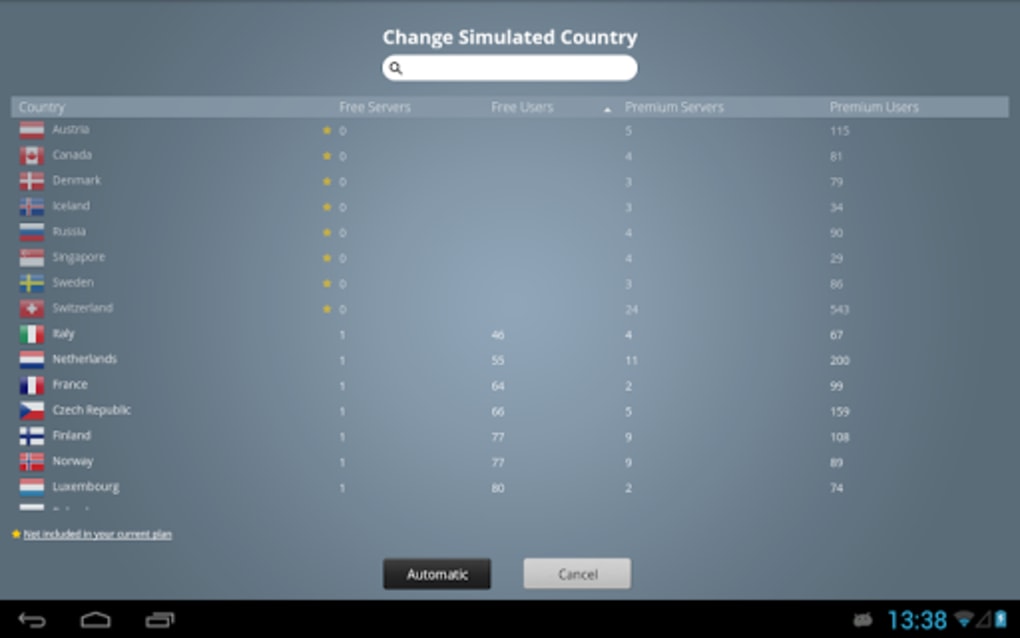
CyberGhost VPN is a desktop and mobile application designed to provide users with secure, private, and unrestricted internet access. The software enables anonymous browsing by encrypting user traffic and masking the IP address, helping individuals protect their online identity from internet service providers, websites, hackers, and government surveillance. It allows users to bypass geo-restrictions by connecting to servers in over 91 countries, with more than 7,000 server locations worldwide. This makes it suitable for accessing region-locked content such as streaming platforms, news sites, and social media services. The software is particularly useful for travelers, remote workers, and privacy-conscious individuals seeking to maintain digital anonymity across public Wi-Fi networks.
The application supports multiple platforms, including Windows, Mac, Android, iOS, Linux, and browser extensions for Firefox and Chrome. It is available as trialware, offering full access to all features during the trial period. While the developer is not specified in the provided information, the software is marketed as a premium solution with a focus on security, speed, and usability. Real-world use cases include secure file sharing, private torrenting, and accessing international streaming services like Netflix, Hulu, and Disney+. The software is also designed to function in regions with strict internet censorship, such as China, through advanced privacy features.
Key Features & Capabilities
- Advanced Encryption – CyberGhost uses AES-256 encryption to secure all data transmissions, ensuring that sensitive information remains protected from interception.
- Multiple Tunneling Protocols – Users can choose between IKEv2, OpenVPN, and WireGuard protocols to balance speed, security, and compatibility based on their needs.
- Automatic Kill Switch – Available on desktop versions, this feature terminates internet access if the VPN connection drops, preventing data leaks.
- Split-Tunneling – Allows users to route specific applications through the VPN while others use the regular connection, improving performance and flexibility.
- Tor Over VPN – An additional privacy layer that routes traffic through the Tor network after passing through the VPN tunnel, enhancing anonymity.
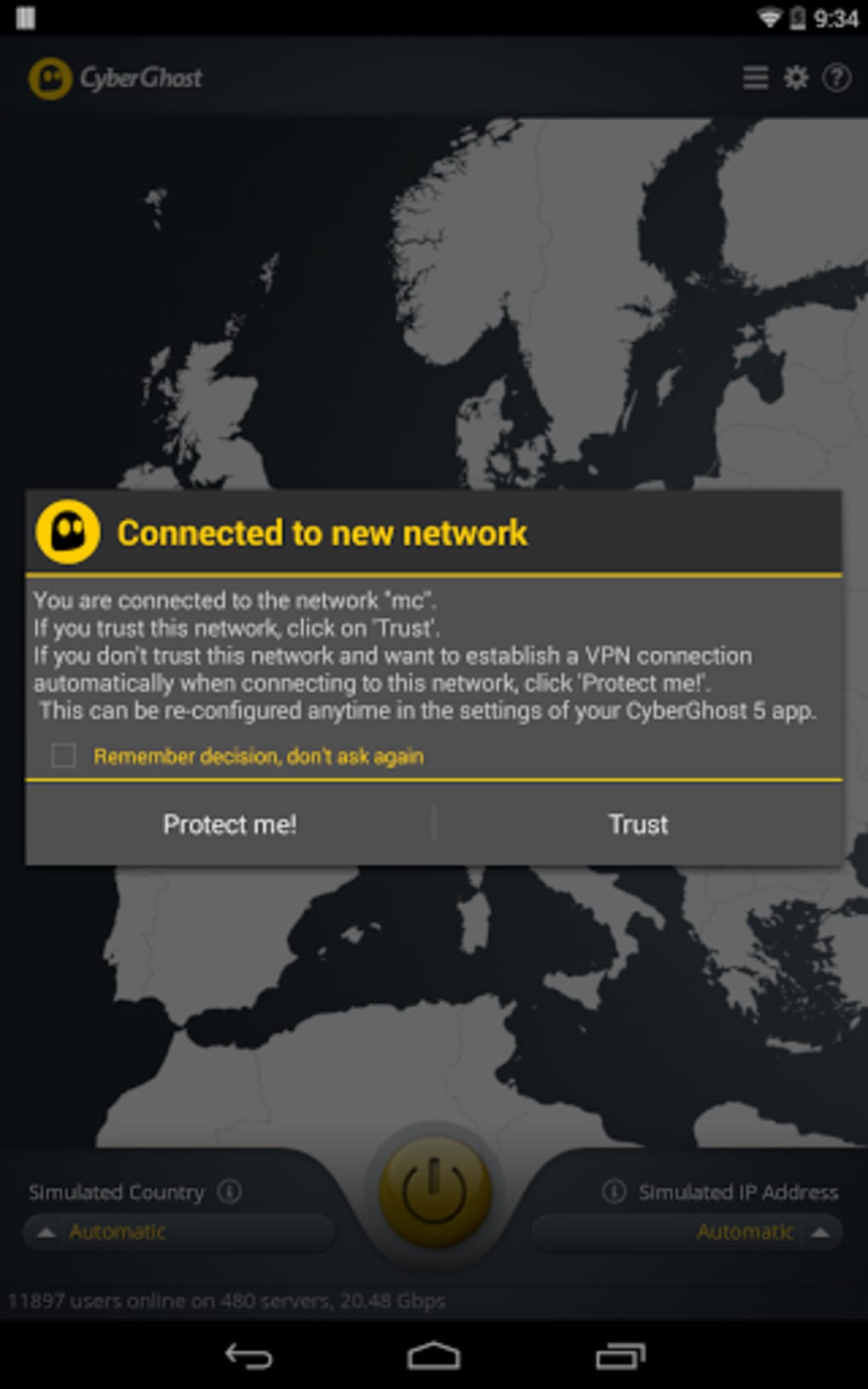
- Wi-Fi Protection – Alerts users when connecting to unsecured networks, helping prevent man-in-the-middle attacks.
- Unlimited Bandwidth – No data caps or throttling, enabling uninterrupted streaming, downloading, and browsing.
- Dedicated Streaming & Torrenting Servers – Optimized server tabs for streaming services and P2P file sharing, with support for platforms like Netflix, Hulu, Spotify, and YouTube.
- DNS and IP Leak Protection – Available on desktop versions, this feature ensures no exposure of user data during connection attempts.
- Free Trial & Money-Back Guarantee – Full access to all features during the trial period, with a refund option if the service does not meet expectations.
These capabilities are especially beneficial for users who prioritize online privacy, want to access global content, or require secure connections on public networks. The ability to connect up to seven devices simultaneously supports multi-device households and remote teams.
User Interface, Workflow & Performance
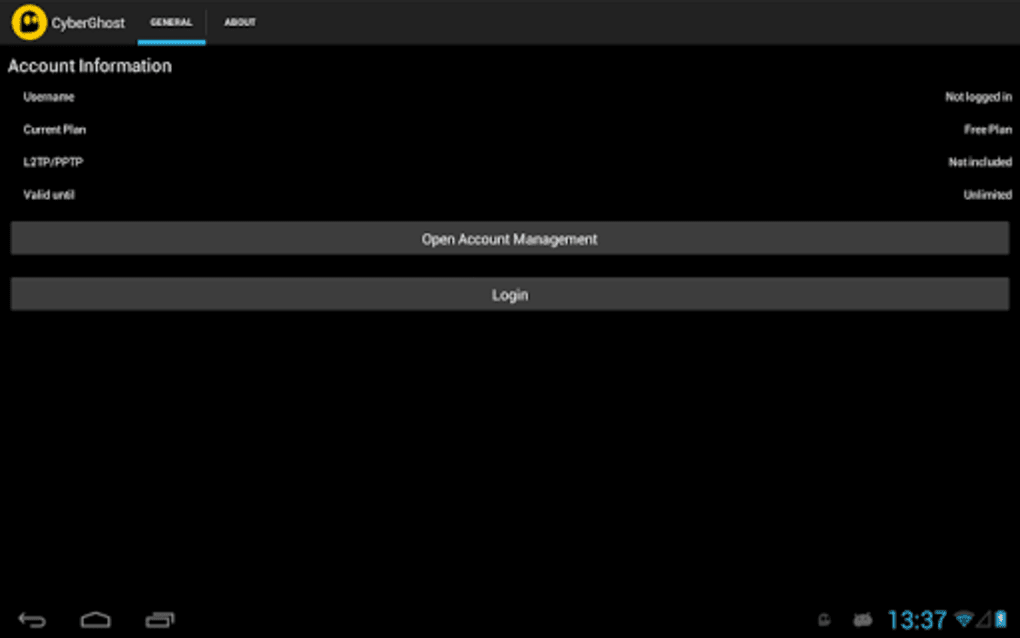
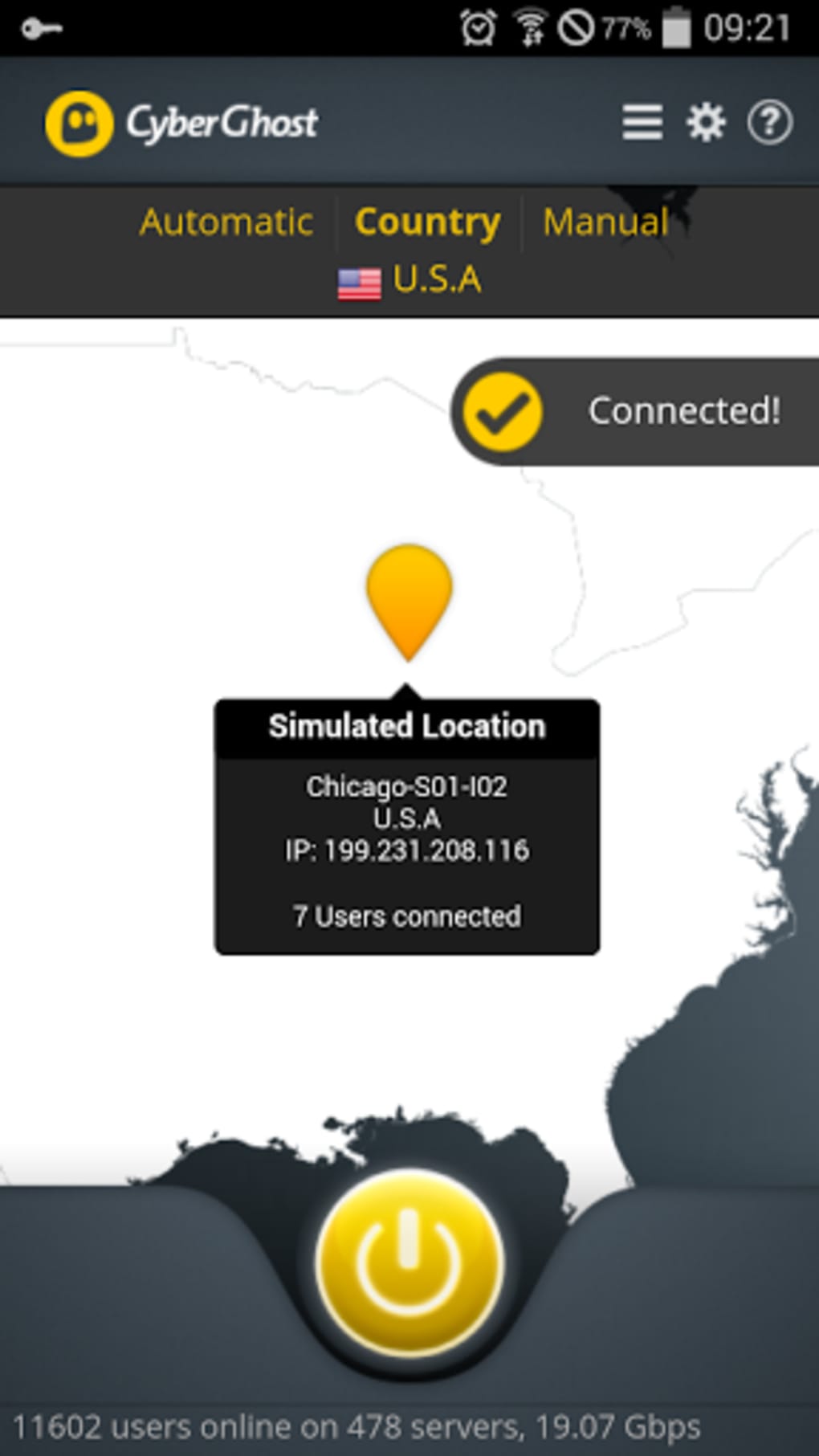
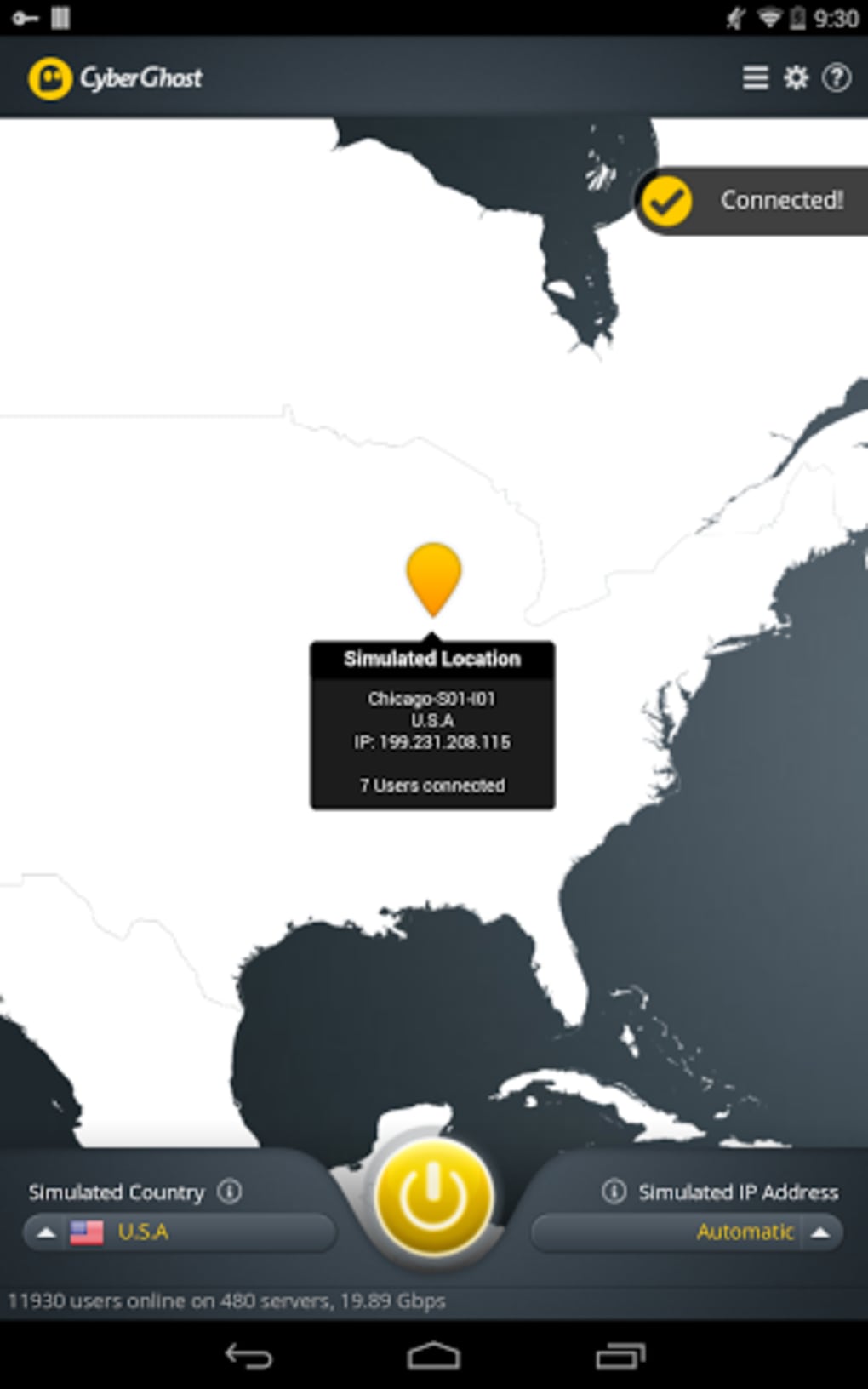
The user interface is described as clean and intuitive, with a central power button indicating the current connection status. The home screen displays the connected server location, IP address, active protocol, and real-time upload/download speeds. Navigation is straightforward, with clearly labeled tabs for favorites, streaming-optimized servers, torrenting, and settings. The design emphasizes usability, making it accessible to both beginners and experienced users.
Workflow efficiency is enhanced by features such as quick server selection, automatic connection to optimized servers, and the ability to save preferred locations. The desktop version includes advanced privacy tools like the kill switch and DNS leak protection, which are not available on mobile apps. Performance details were not specified, but the software claims to maintain stable and fast connections, particularly with the latest protocol updates. The developer did not provide exact performance metrics or resource usage data. General software behavior suggests efficient operation under normal conditions, though actual performance may vary based on network conditions and server load.
Compatibility & System Requirements
CyberGhost VPN is compatible with Windows, Mac, Android, iOS, Linux, and browser extensions for Mozilla Firefox and Google Chrome. The desktop application is available for Windows and Mac, while mobile versions are designed for Android and iOS devices. The software supports Android TV, Amazon Fire TV, and smart TVs. The installation size is not specified in the provided data. The developer did not provide detailed system requirements, including minimum CPU, RAM, or disk space. Exact compatibility details were not listed, but the software is designed to run on modern operating systems. Users are advised to ensure their device meets standard requirements for running a secure network application.
Pros and Cons
Pros
- Strong encryption with AES-256 and multiple secure protocols
- Extensive global server network across 91+ countries
- Supports up to seven simultaneous device connections
- Free trial with full feature access
- Advanced privacy features including kill switch and DNS leak protection (desktop)
- Optimized servers for streaming and torrenting
- Available on multiple platforms including desktop, mobile, and browsers
- Transparent money-back guarantee and anonymous payment options
Cons
- Mobile apps lack a kill switch feature
- Some privacy features are exclusive to desktop versions
- Anonymous data is collected for analytics, despite no-log policy
- Performance may vary depending on server location and network
- Developer background not clearly disclosed
- Mobile version updates less frequently than desktop
FAQ Section
Is CyberGhost VPN safe to use?
CyberGhost VPN is designed with strong security measures, including AES-256 encryption and secure tunneling protocols like WireGuard and OpenVPN. The desktop version includes a kill switch and DNS leak protection, enhancing overall safety. However, the no-log policy includes the collection of anonymous usage data for service improvement, which may raise privacy concerns for some users.
Can I use CyberGhost on multiple devices?
Yes, a single subscription allows up to seven devices to be connected simultaneously. This includes computers, smartphones, tablets, smart TVs, and browser extensions.
Does CyberGhost support torrenting?
Yes, CyberGhost supports P2P file sharing and provides dedicated torrent-optimized servers. The software does not block or throttle torrent traffic, enabling fast and private downloads.
How do I update CyberGhost VPN?
Updates are available directly within the user interface on desktop and mobile apps. The software checks for updates automatically and notifies users when a new version is available. The latest version includes improved security, performance, and compatibility.
Is there a free version of CyberGhost?
CyberGhost offers a free trial period with full access to all features. There is no permanently free version, but users can test the software before purchasing. The trial includes all premium functionalities, including streaming, torrenting, and advanced privacy tools.
Final Thoughts
CyberGhost VPN stands out as a reliable and feature-rich solution for users seeking enhanced online privacy, unrestricted access to global content, and secure browsing. Its combination of strong encryption, a vast server network, and user-friendly interface makes it a strong contender in the competitive VPN market. While mobile apps lack certain desktop-only protections, the overall experience remains robust and secure. The free trial allows users to evaluate performance and features without risk. For individuals prioritizing privacy, streaming access, and multi-device support, CyberGhost VPN delivers a compelling package. The continuous updates and cross-platform availability further reinforce its value.
Download CyberGhost VPN now
Guides & Tutorials for CyberGhost VPN APK
How to install CyberGhost VPN APK
- Click the Preview / Download button above.
- Once redirected, accept the terms and click Install.
- Wait for the CyberGhost VPN APK download to finish on your device.
How to use CyberGhost VPN APK
This software is primarily used for its core features described above. Open the app after installation to explore its capabilities.
User Reviews for CyberGhost VPN APK 0
No reviews found





